
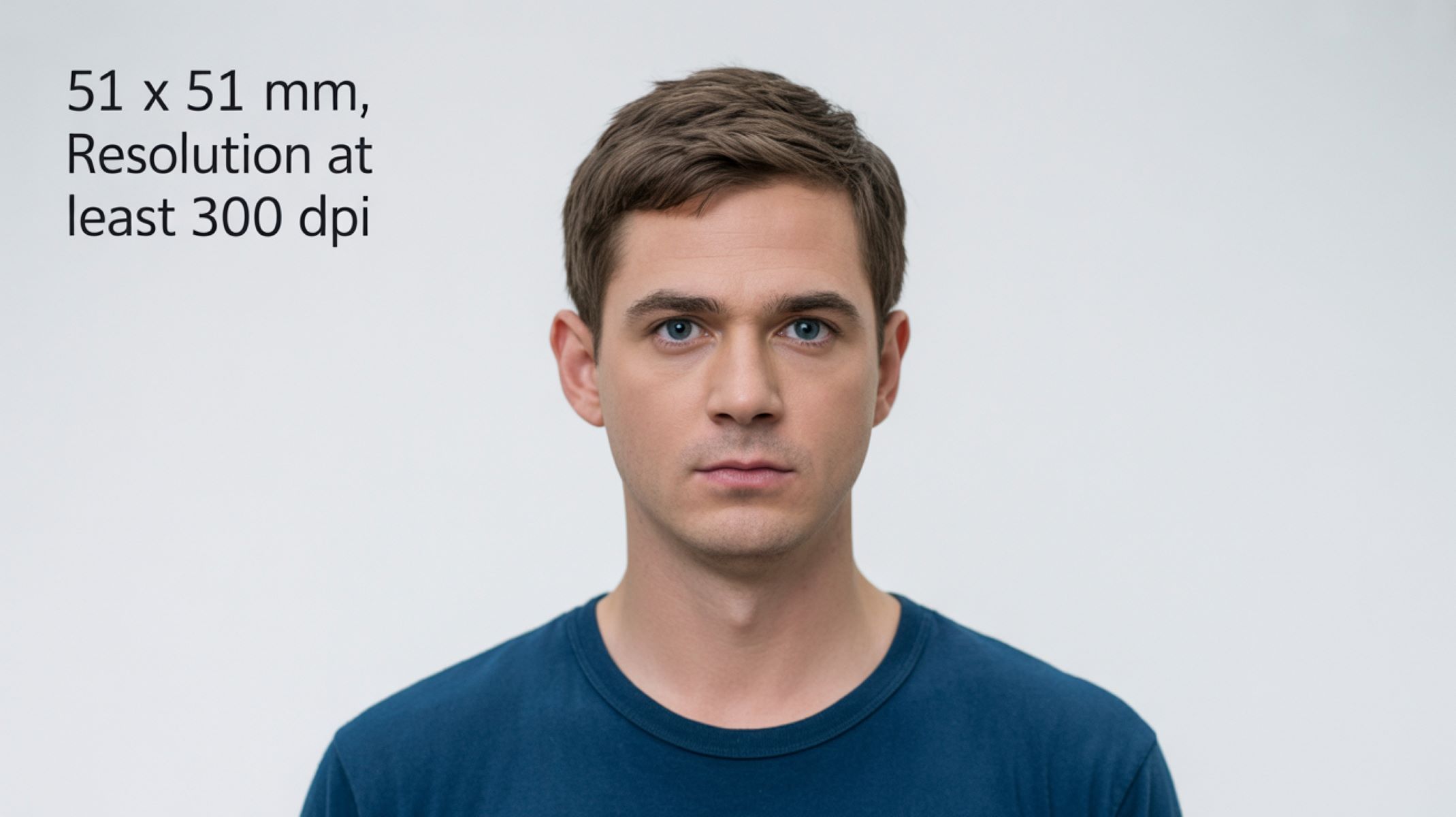
What Is the Ideal Image Resolution for Printed ID Photos?
Have you ever wondered why some printed photos look crisp and sharp, while others appear blurry or pixelated? The secret lies in the image resolution. Image resolution refers to the amount of detail an image holds, measured in pixels. The higher the number of pixels, the more detailed the image. For printed photos, this detail is crucial because it determines how clear your ID photo will appear on paper.
Common Uses of ID Photos and Their Resolution Needs
Passport Photos
In the United States, passport photos must meet very strict specifications set by the U.S. Department of State. The photo size should be exactly 2 inches by 2 inches, and it must be taken within the last six months to reflect your current appearance. The resolution requirement for these photos is a minimum of 300 DPI (dots per inch), which ensures the image is sharp and detailed enough when printed. This high resolution is crucial because border control and security officials rely on the photo’s clarity to verify your identity quickly and accurately. Blurry or pixelated photos are often rejected, delaying the passport issuance process.
Additionally, the background must be plain white or off-white, and the lighting should be even to avoid shadows that obscure facial features. Because passports are used worldwide, these requirements are standardized to make it easier for facial recognition systems and human inspectors to match the photo to the traveler. Meeting these resolution and formatting standards is essential to avoid rejection, which means it’s best to use a professional photographer or a reliable photo service that understands these rules.
Driver’s License Photos
Driver’s license photos in the U.S. are regulated at the state level, so requirements can vary slightly. However, most states follow guidelines that closely resemble federal standards, emphasizing a resolution of 300 DPI or higher for printed images. Since driver’s licenses are typically smaller than passport photos, maintaining a high resolution is vital to ensure the face remains clear and recognizable despite the reduced size.
States use these photos not just for identification but also for security purposes, including verifying the person during traffic stops or at checkpoints. A blurry or pixelated photo can cause issues with automated systems or human examiners. Many states now use digital photo capture systems at DMV offices to maintain consistent image quality. However, if you submit your own photo digitally, it’s essential to provide a high-resolution image that complies with the required dimensions and clarity standards.
Employee and Student ID Cards
Employee and student ID cards have more flexible standards compared to government-issued documents, but many organizations still prefer images with a resolution of 300 DPI or higher. A high-resolution photo projects professionalism and makes it easier for security personnel or staff to identify cardholders quickly. In a workplace or school setting, the clarity of an ID photo can be important for access control, attendance tracking, or even emergency response.
Though some institutions might accept lower resolutions for convenience, the general best practice is to ensure the photo has sufficient detail to avoid pixelation on printed cards, which are usually smaller than passport photos. The background is often customized, but the face should be clearly visible with good lighting and no harsh shadows. Maintaining a consistent resolution standard helps institutions avoid problems with faded or unclear IDs that can cause confusion or security risks.
Pixels, DPI, and PPI in Image Resolution
Pixels
Pixels are the fundamental building blocks of any digital image. Imagine a digital photo as a giant mosaic made up of thousands or millions of tiny squares, each representing one pixel. Each pixel carries color information, and when combined, these pixels form the overall image you see on your screen or print. The more pixels an image contains, the more detail it can show. For example, a photo with 1200 x 1200 pixels contains more information and appears sharper than one with 300 x 300 pixels.
This concept is crucial when preparing ID photos because the pixel count directly affects how detailed the face and other features will look once printed. If the pixel count is too low, the printed image will look blocky or blurry, which can cause problems for identification purposes.
Difference Between DPI and PPI
You’ve probably encountered both DPI and PPI when dealing with images, but they refer to different things:
- PPI (Pixels Per Inch) measures how many pixels fit into one inch on a digital screen, like your computer monitor or smartphone. It tells you the image’s resolution in a digital format.
- DPI (Dots Per Inch), on the other hand, relates to printing. It describes how many dots of ink the printer sprays per inch on paper. DPI determines the print quality and sharpness of an image on physical media.
For ID photos, DPI is the key measurement. Even if you have a high PPI image on screen, if the DPI is too low during printing, the photo will lose sharpness and appear blurry or grainy.
How DPI Affects Printed Images
When printing ID photos, the industry standard is 300 DPI. This means the printer lays down 300 dots of ink per inch, producing an image that appears smooth and detailed to the human eye. Anything less than 300 DPI can cause visible pixelation or a grainy texture, making the photo less reliable for identification purposes.
Here’s why 300 DPI matters for printed photos:
- Sharp facial details: Important features like eyes, nose, and mouth remain clear, aiding manual and automated identification.
- Color accuracy: Higher DPI helps reproduce colors more vividly, avoiding dull or washed-out photos.
- Professional appearance: Photos printed at 300 DPI look clean and crisp, meeting official requirements for IDs, passports, and licenses.
Using a DPI lower than 300 often results in photos that fail government or institutional standards, leading to rejections or requests for new photos.
Recommended Resolution for Printed ID Photos
When it comes to printed ID photos, having the correct resolution is crucial to ensure clarity and sharpness. The most important factor is balancing the physical size of the photo with the resolution measured in pixels per inch (DPI). This combination determines how detailed and recognizable the printed photo will be.
Minimum Pixel Dimensions for ID Photos
For a typical ID photo size, such as the standard 2×2 inch used for passports, the image must have sufficient pixel dimensions to prevent pixelation or blurriness. Since printing is done at 300 DPI (dots per inch), the minimum pixel dimensions for a 2×2 inch photo should be at least 600 x 600 pixels (2 inches × 300 DPI = 600 pixels). This resolution ensures the face and details in the photo are sharp and can withstand scrutiny by authorities or machines.
If the pixel dimensions fall below this minimum, the printed photo will look grainy or blocky, reducing its effectiveness for identification purposes.
Standard DPI Settings for High-Quality Prints
The gold standard for printing ID photos is 300 DPI. This DPI value means that the printer places 300 dots of ink in every inch of the printed photo, resulting in a smooth and crisp image. Anything less than 300 DPI risks a loss of detail, making the photo appear fuzzy or pixelated.
Maintaining 300 DPI ensures that key facial features—such as eyes, nose, and mouth—are clearly visible and defined. This is particularly important for official documents like passports and driver’s licenses, where photo clarity directly impacts identity verification.
Examples of Ideal Image Sizes for Common ID Formats
Below is a simple table that summarizes the ideal pixel dimensions for common U.S. ID photo formats, assuming the standard 300 DPI printing resolution:
| ID Type | Physical Size (inches) | Resolution (DPI) | Pixel Dimensions (Width x Height) |
| Passport Photo | 2 x 2 | 300 | 600 x 600 |
| Driver’s License | Varies (usually ~2 x 2.66) | 300 | 600 x 800+ |
| Employee ID Card | 1.5 x 2 | 300 | 450 x 600 |
Note: Driver’s license sizes can differ slightly from state to state but typically fall near the 600 x 800 pixel range to maintain quality on the smaller card.
Why These Dimensions Matter
- Precision: The listed pixel dimensions at 300 DPI guarantee that the printed photos will maintain their integrity, preventing the face from becoming distorted or unclear.
- Consistency: Following these standards helps avoid photo rejection when submitting to government agencies or employers.
- Flexibility: While 300 DPI is standard, some professional printers can handle higher DPI settings, but 300 DPI strikes the best balance between file size and image quality for ID photos.
Ensuring your ID photos meet these pixel dimensions and DPI settings will save you time, money, and hassle by avoiding resubmissions and rejections.